> ## Documentation Index
> Fetch the complete documentation index at: https://docs.qwacks.com/llms.txt
> Use this file to discover all available pages before exploring further.
# Shops & Inventory
> Sell items and track what each player owns.
export const Scope = ({children}) =>
Scope: {children}
;
Flock's economy has three pieces:
* **Shops** — collections of purchasable items.
* **Shop items** — individual offers with a price and currency.
* **Inventory** — what a player owns; each entry tracks whether it's been used.
shops and items are defined per **game version**; inventory is per player.
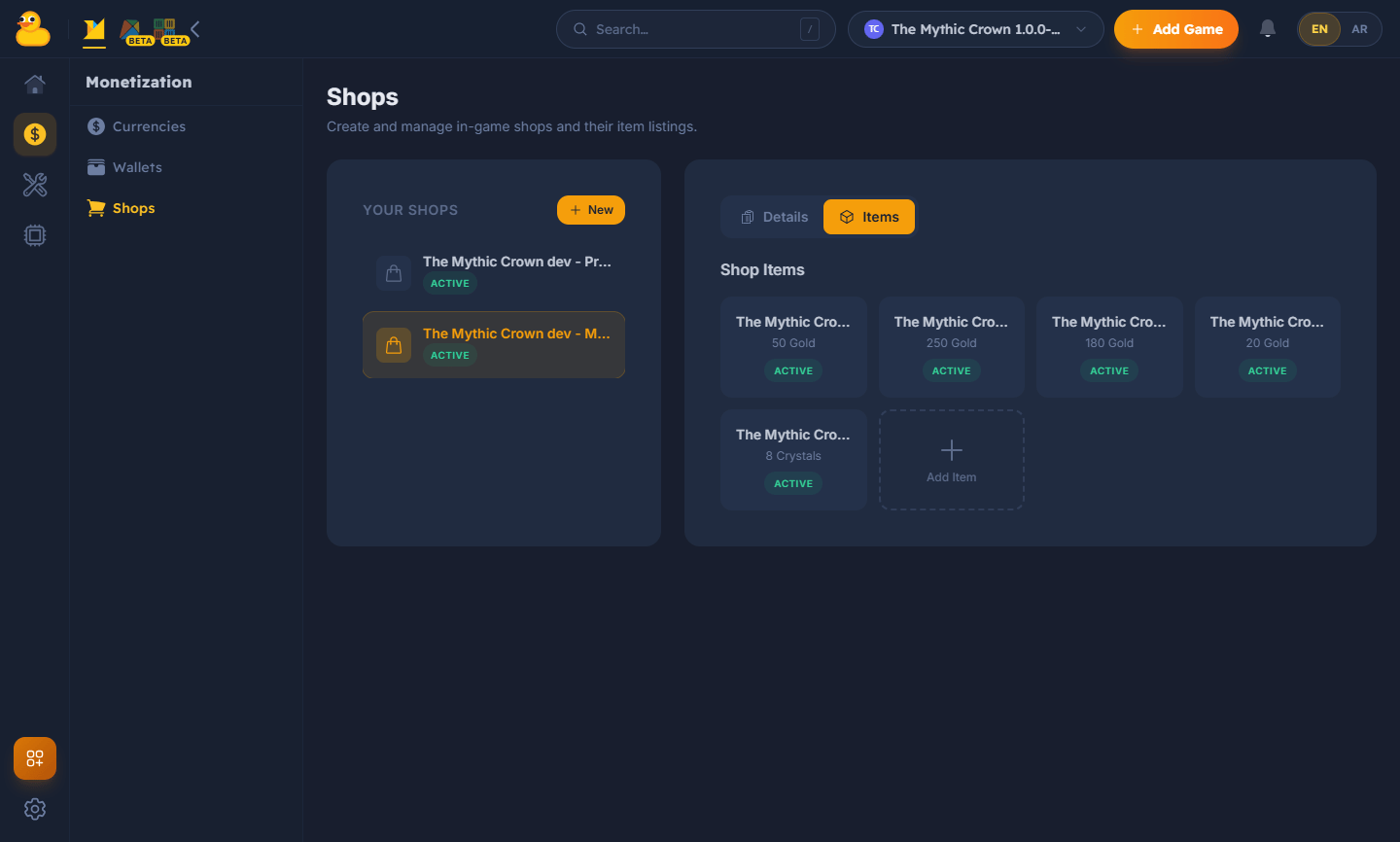
Configure shops and their items for a game version in the dashboard — set prices, currencies,
and availability.
 Use the SDK's shop methods to list the shops and items available for your game version, then make
a purchase for the signed-in player. A purchase debits the player's wallet and grants an
inventory entry:
```
Shop item ──purchase──▶ wallet debit ──▶ inventory entry (status: unused)
│
consume in game ──▶ status: used
```
When a player uses an item, mark its inventory entry **used** through the SDK so it can't be
redeemed twice. Consumables and one-shot unlocks both rely on this state.
See [Currencies & Wallets](/guides/currencies-and-wallets) for the balances that back purchases.
Use the SDK's shop methods to list the shops and items available for your game version, then make
a purchase for the signed-in player. A purchase debits the player's wallet and grants an
inventory entry:
```
Shop item ──purchase──▶ wallet debit ──▶ inventory entry (status: unused)
│
consume in game ──▶ status: used
```
When a player uses an item, mark its inventory entry **used** through the SDK so it can't be
redeemed twice. Consumables and one-shot unlocks both rely on this state.
See [Currencies & Wallets](/guides/currencies-and-wallets) for the balances that back purchases.