> ## Documentation Index
> Fetch the complete documentation index at: https://docs.qwacks.com/llms.txt
> Use this file to discover all available pages before exploring further.
# Flock
> The game backend that handles players, economies, and live operations — so you can focus on the game.
Flock is the game backend by **Qwacks**. It gives your game player accounts, save data,
shops and inventories, currencies and wallets, leaderboards, segments, remote configuration,
and analytics — all through native SDKs that handle the backend for you.
 Create a game, add the SDK, and sign in your first player in minutes.
How the SDK signs your game in and manages player sessions for you.
Drop Flock into a Unity project with the official C# SDK.
Players, economy, live ops, and more.
## How it fits together
A **studio** owns one or more **games**. Each game has **versions** you publish over time, and
**players** who sign in and accumulate data, inventory, and currency. Your game integrates the
Flock **SDK**, configured once with your game's credentials; players then sign in through the SDK
to get their own profile, save data, and inventory.
Email, device, Google, Apple, and Steam sign-in.
Shops, items, inventory, currencies, and wallets.
Remote config, segments, leaderboards, and analytics.
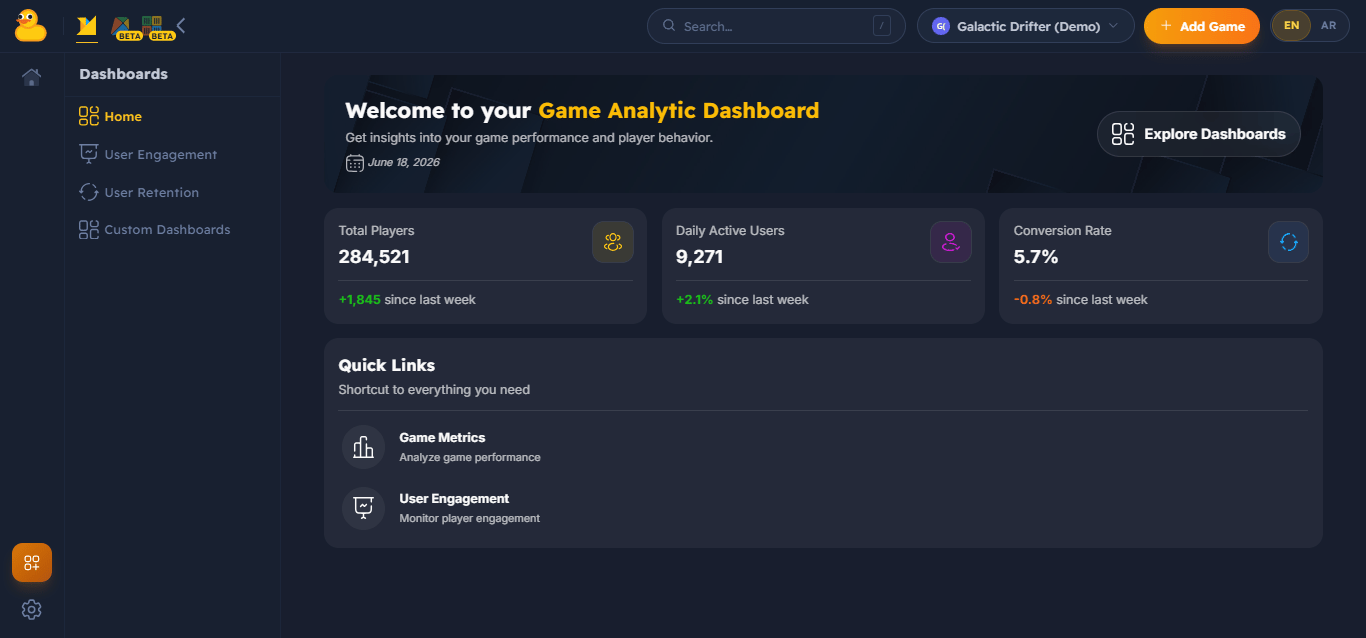
Configure games and grab credentials in the [Flock dashboard](https://flock-saas.qwacks.com). The
SDK handles everything else — see the [Quickstart](/quickstart).
Create a game, add the SDK, and sign in your first player in minutes.
How the SDK signs your game in and manages player sessions for you.
Drop Flock into a Unity project with the official C# SDK.
Players, economy, live ops, and more.
## How it fits together
A **studio** owns one or more **games**. Each game has **versions** you publish over time, and
**players** who sign in and accumulate data, inventory, and currency. Your game integrates the
Flock **SDK**, configured once with your game's credentials; players then sign in through the SDK
to get their own profile, save data, and inventory.
Email, device, Google, Apple, and Steam sign-in.
Shops, items, inventory, currencies, and wallets.
Remote config, segments, leaderboards, and analytics.
Configure games and grab credentials in the [Flock dashboard](https://flock-saas.qwacks.com). The
SDK handles everything else — see the [Quickstart](/quickstart).